
Reports
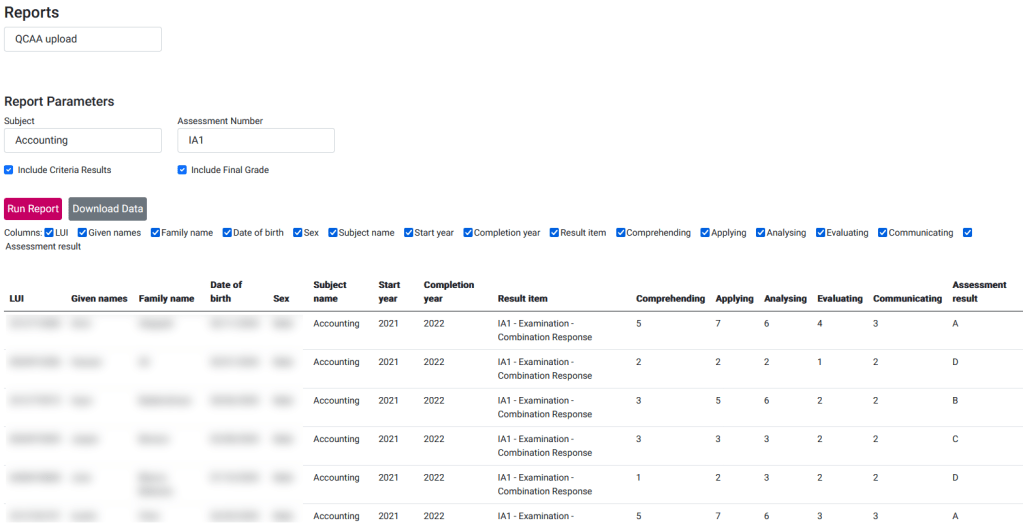
QCAA Upload
Description
Report to download the results that are then uploaded to QCAA.
Report Parameters
| Subject | Select a subject from the drop down list |
| Assessment Number | Select an assessment number that is related to the selected subject |
| Include Criteria Results | Flag to include the criteria results or not |
| Include Final Grade | Flag to include the final grade or not |
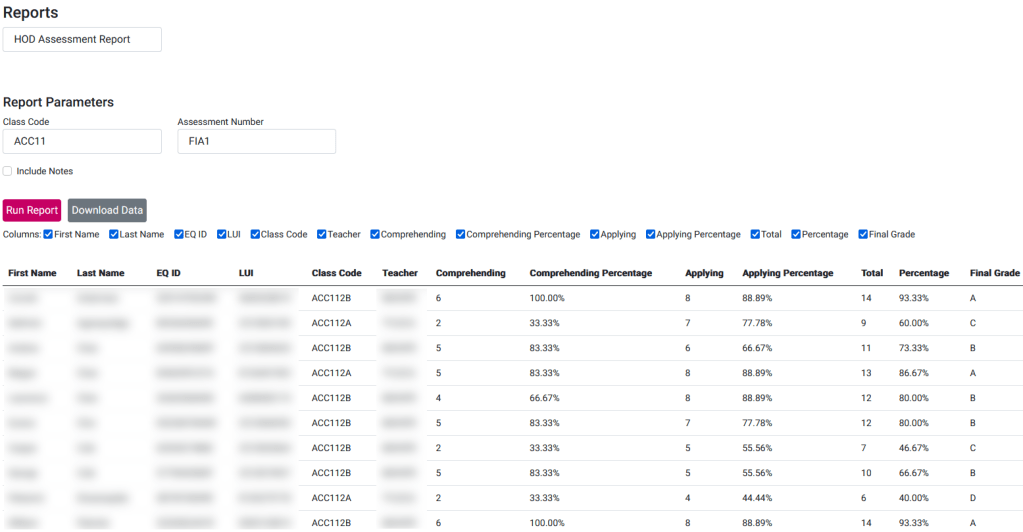
HOD Assessment Report
Description
Report to download the markbook results for a given class code.
Report Parameters
| Class Code | A five character class code that indicates the subject and year level |
| Assessment Number | Select an assessment number that is related to the selected class code |
| Include Notes | Flag to include the notes from the markbook or not |
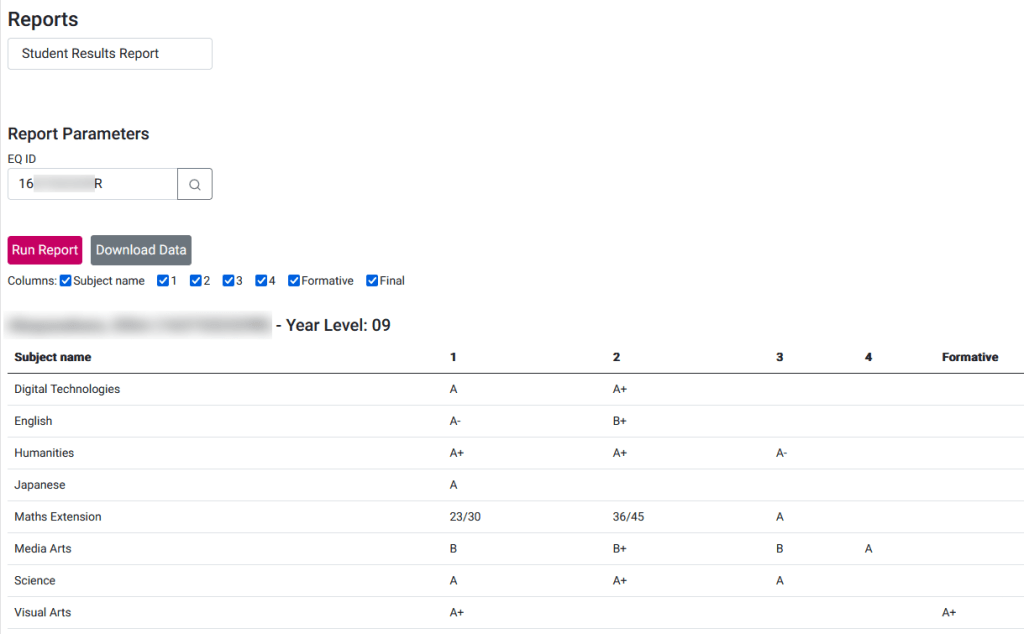
Student Assessment Report
Description
Report to download the markbook results for a given student.
Report Parameters
| EQ ID | Enter or select the EQ ID of the student you wish to run the report for |
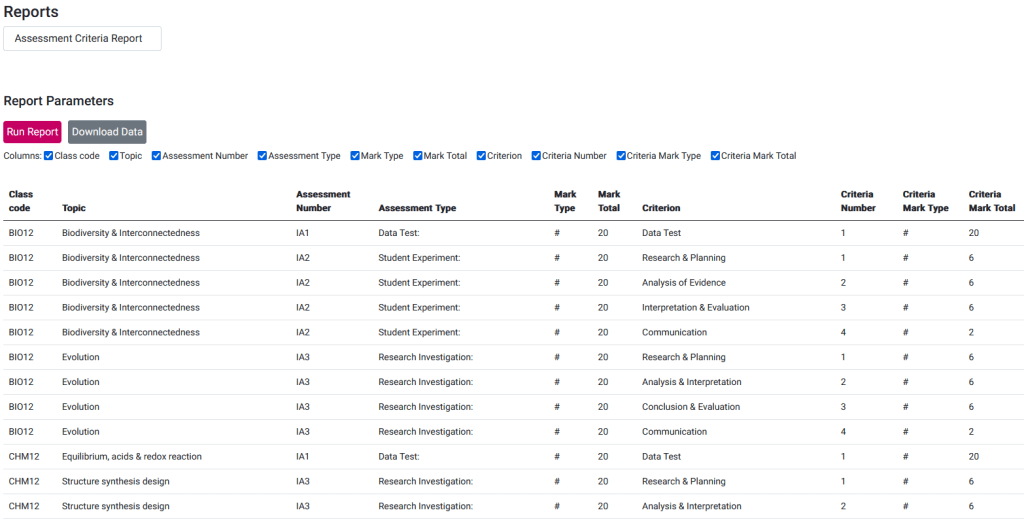
Assessment Criteria Report
Description
Report to download all the assessment items and their criteria.
Report Parameters
None
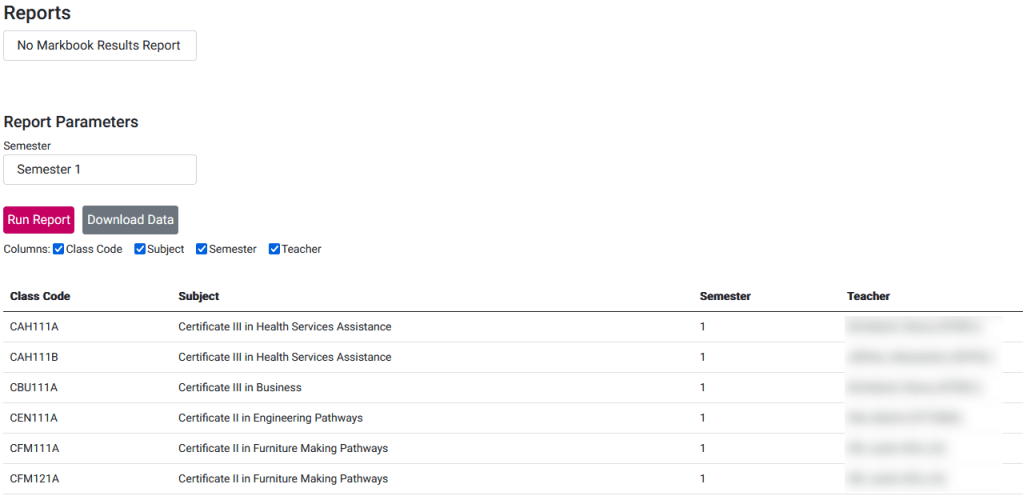
No Markbook Results Report
Description
Report to identify all the markbooks that have not been entered for a given semester so that the teacher can be followed up.
Report Parameters
| Semester | The semester to check for markbook results |
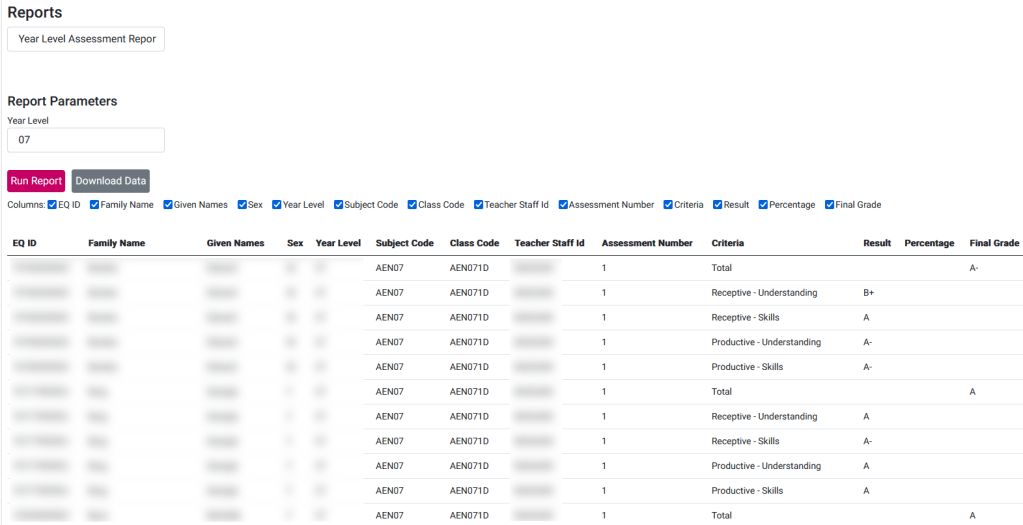
Year Level Assessment Report
Description
Report to download all the markbook results for a given year level.
Report Parameters
| Year Level | Year level of the students to return in the report |
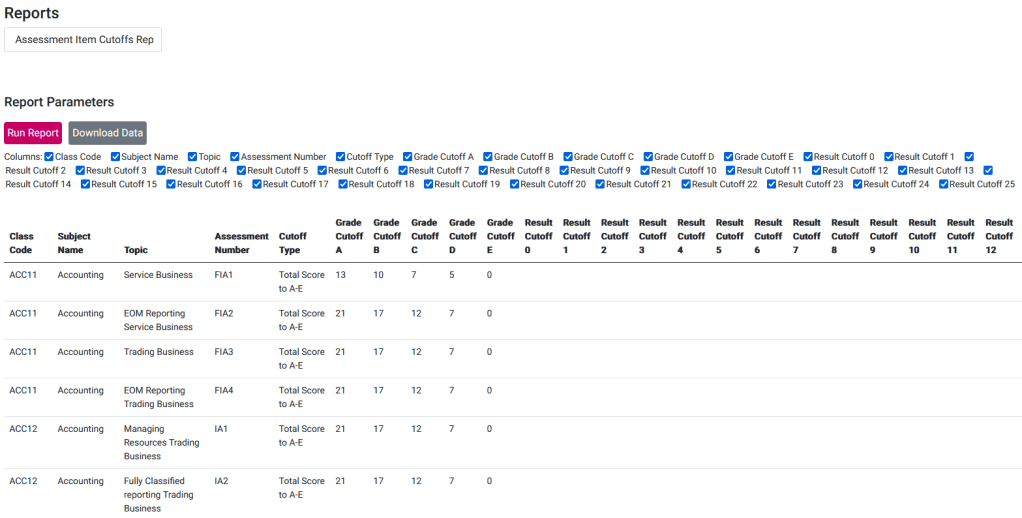
Assessment Item Cutoffs Report
Description
Report to list of the assessment items and the cutoffs that have been configured for each.
Report Parameters
None
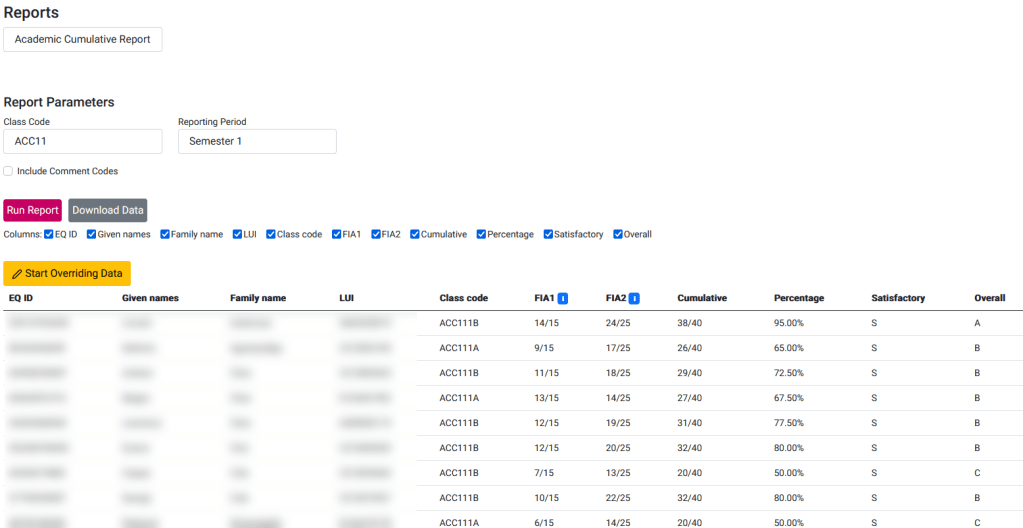
Academic Cumulative Report
Description
Report that cumulates the academic results for a given class code and reporting period (Term 1, Semester 1, Term 3, Semester 2).
Report Parameters
| Class Code | The 5 character class code prefix (MAT12) or 7 character class code (MAT121A) to identify the class or subject |
| Reporting Period | Term 1, Semester 1, Term 3 or Semester 2. Uses the Reporting Period Config to find the assessment items that should be included on the report. |
 OneStudent